Daily Sales Activity
This guide provides step-by-step instructions for creating and viewing Daily Sales Activity in Designsmith ERP.
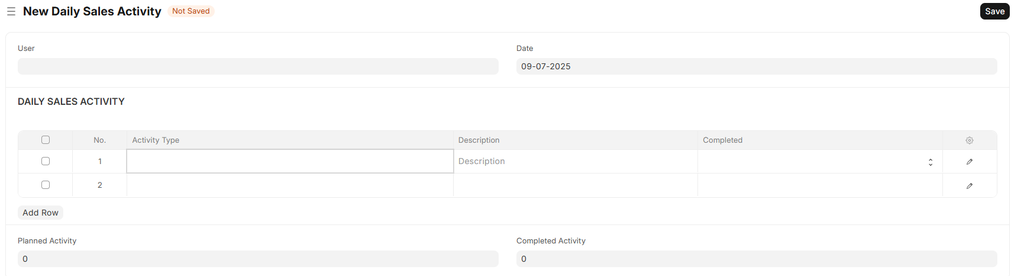
Go to CRM > Daily Sales Activity > Add Daily Sales Activity


The user will be auto selected and in the table, select "Activity Type" from the dropdown
Enter the description
Please refer to the example below.
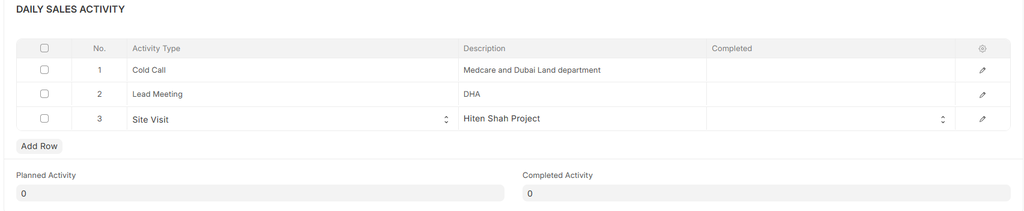
- The DSA has to be created in the morning or the day before
- By end of the working day, against each Activity Type, Select whether the planned activity is completed or not by selecting "Yes" or "No" in the "Completed" column
- On saving the DSA, the total planned activity and completed activity will be auto updated